
Your initial sign-in
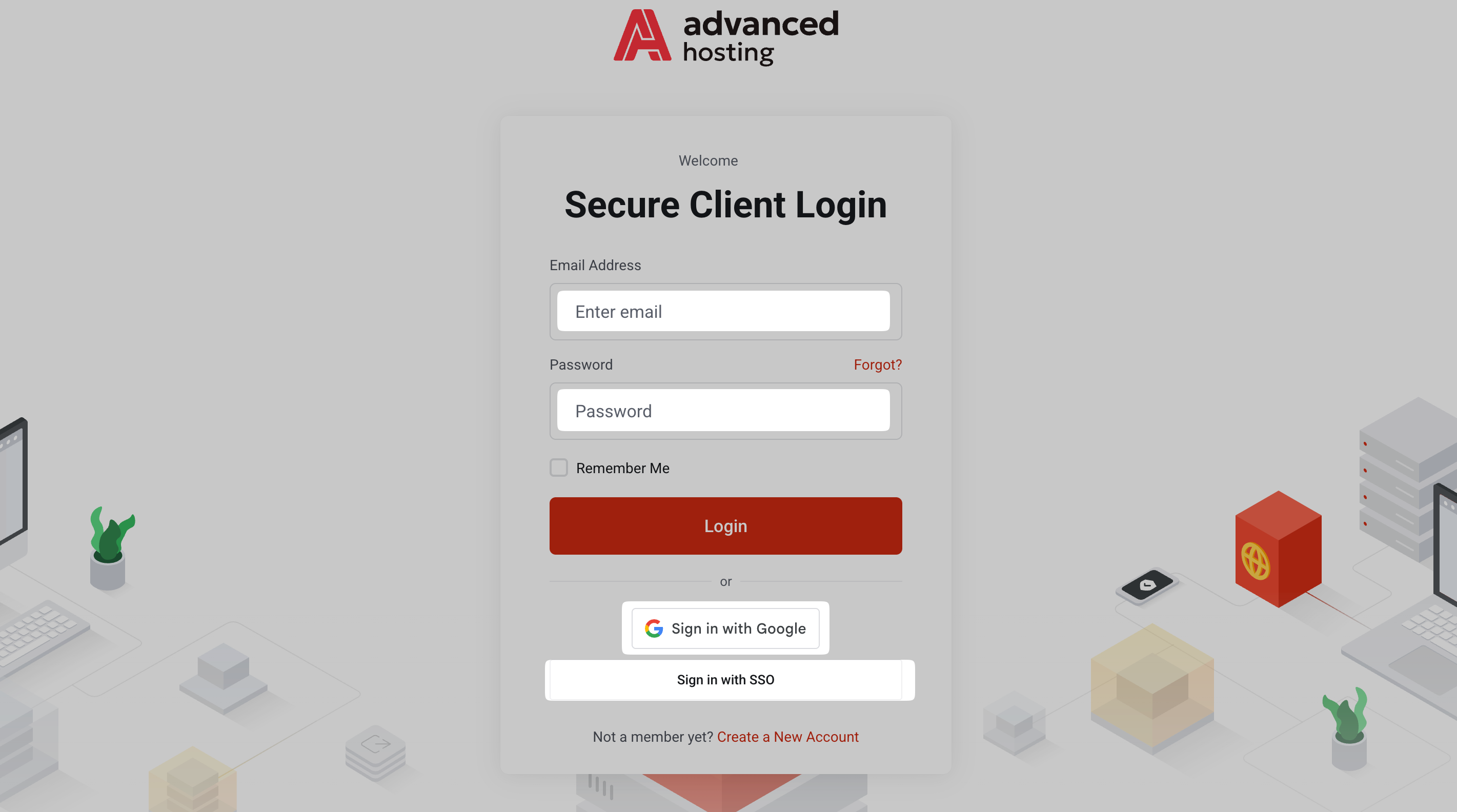
Sign in at portal.advancedhosting.com with your credentials, as shown below. If you have any struggles at this stage, consult the extended Account and access manuals.
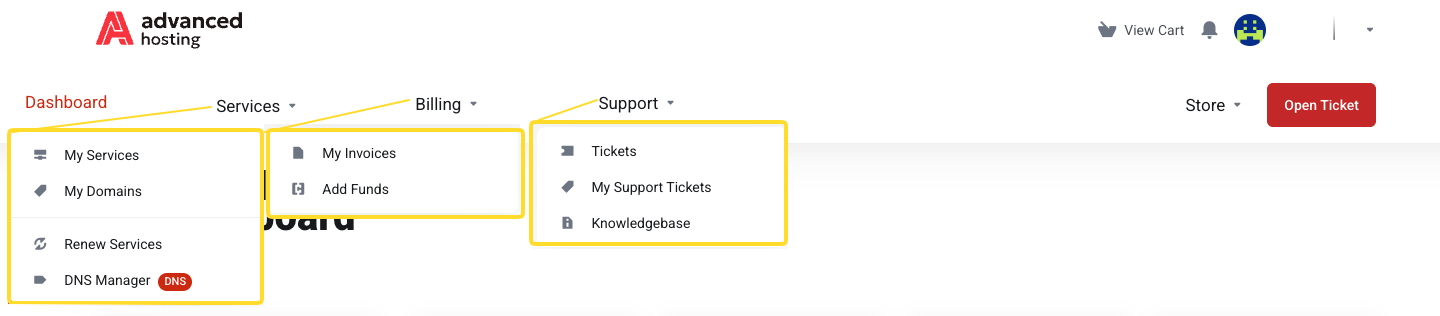
Upon signing into your account, browse the top navigation menu sections: Services for your servers and domains, Billing for invoices and credit, and Support for tickets and knowledgebase.
Helpful content outline
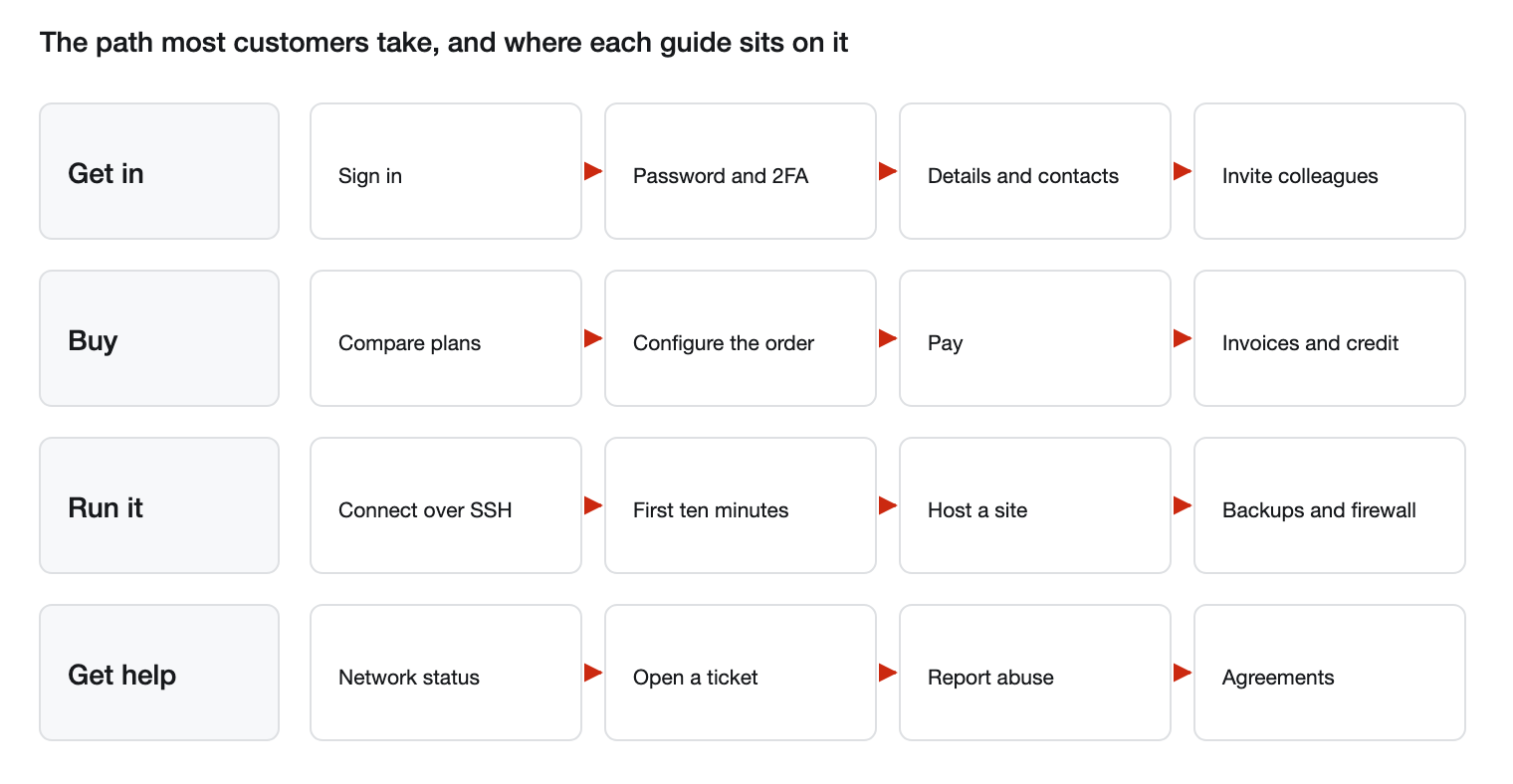
Getting in and managing your account
- Signing in and signing out — log in, switch between accounts, restore a forgotten password.
-
Your password and security settings — change your password, turn on two-factor authentication.
- Account details and contacts — keep billing details up-to-date, select email recipients, and review the changes you can make yourself.
-
Giving other people access — invite colleagues with their own logins and permissions.
-
Identity verification — what to do when asked to verify your identity.
Ordering and paying
-
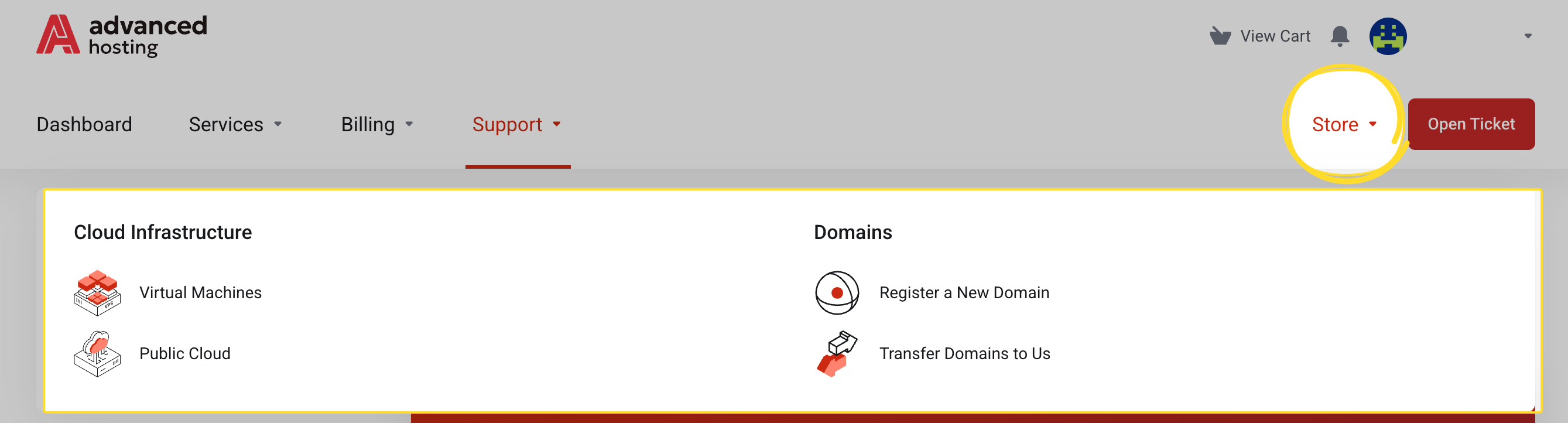
Browsing the store — compare Virtual Machines and Public Cloud plans.
- Ordering a service — choose the billing cycle, operating system and extra toppings.
- Checkout and payment — place an order and go through with the payment.
-
Payment methods — cards, wallets, bank redirects, direct debits, transfers, instalments, and why your options might differ from someone else's.
- Invoices and credit balance — view and pay invoices, add funds in advance.
Getting help
- Support tickets — open a ticket, add context to an existing one.
-
Reporting abuse and making a complaint — where to send a complaint and what to include.
-
Agreements and policies — where the Master Service Agreement and the other documents live.
-
Immediate answers — knowledgebase, announcements.
And just around the corner (hot topics inbound!):
Running a server
-
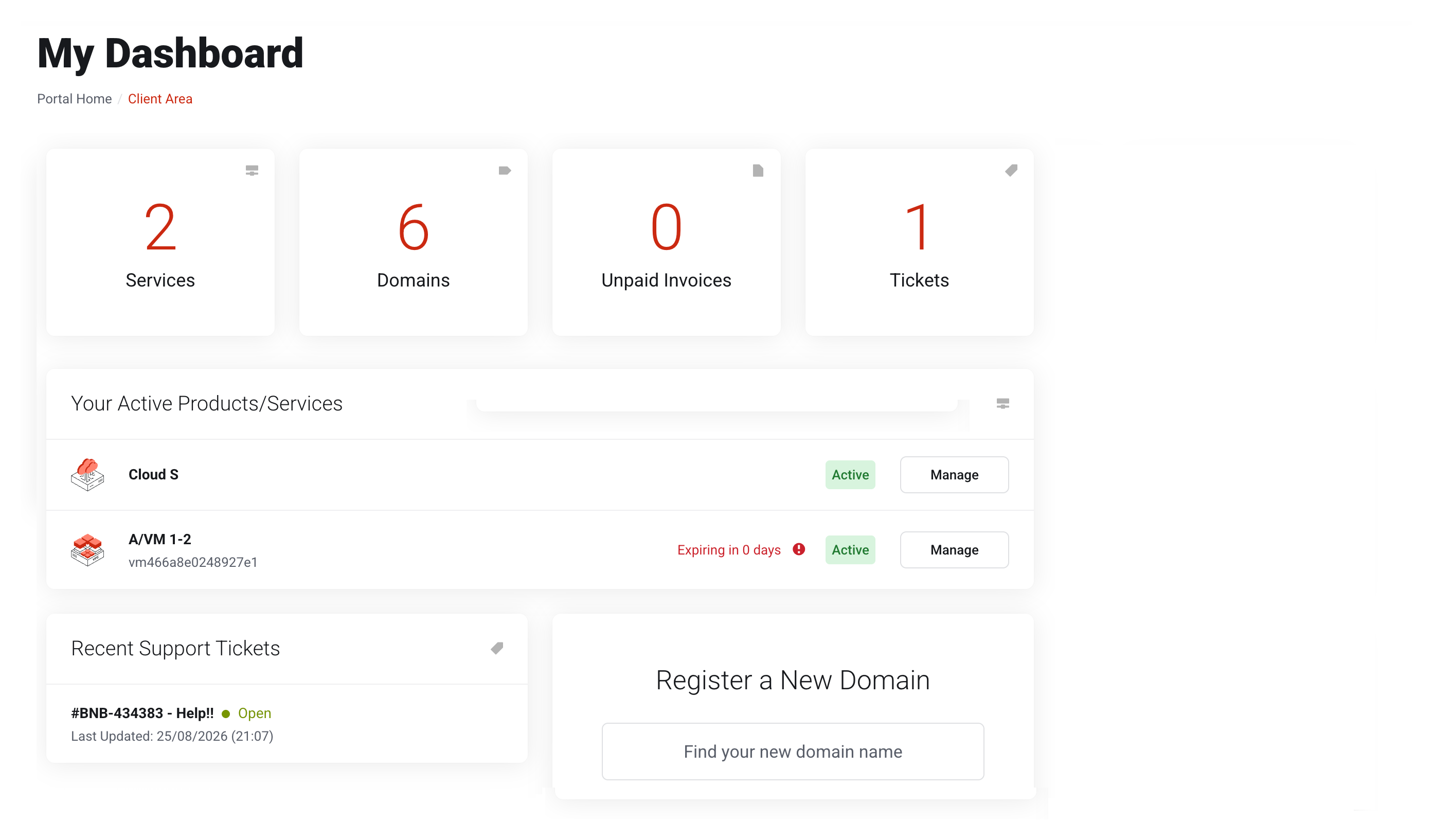
Your services and their details — find a service and read its IP address.
-
Connecting to your virtual machine — the address, login, password, and where they came from.
-
Public Cloud — signing in to the cloud panel, what's inside it, and how it differs from a single virtual machine.
-
Webuzo control panel — the licence, installing the panel on your machine.
-
Power actions and the console — start, stop, reboot; open the console.
-
Changing a service password — set a new admin password on a server.
-
Backups — take a backup, schedule automatic ones.
-
Firewall — review and add firewall rules.
-
Reinstalling the operating system — rebuild a server from a clean image.
- Upgrading and renewing — switch to a more extensive plan, renew early.
-
DNS Manager — point a domain at your server.
Talking to the Metal
- Initial setup — update, own login, SSH key, firewall.
- Linux core — everyday Linux commands for your server.
- Web hosting — how to host a website on your server with HTTPS.
- File transfers — how to copy files to and from your server.
- Troubleshooting — diagnostic guide for an unresponsive server.
Frequently asked questions
-
Where do I sign into Advanced Hosting?
At portal.advancedhosting.com, with the email address and password you registered with. See Signing in and signing out.
-
How do I find the IP address of my server?
Open Services → My Services, click Manage on the server, and see the Fixed IP in the Interfaces table. See Your services and their details.
-
Which payment methods can I use?
Cards, wallets, bank redirects, direct debits, bank transfers, and, in some countries, installments or vouchers are supported. The payment page shows the ones available for your currency and country. See Payment methods.
-
How quickly is a new server ready?
A virtual machine is usually built within a few minutes of the invoice being paid. See Checkout and payment.
-
How do I contact the support team?
Create a ticket from Support → Open Ticket in the client area. See Support tickets.
-
My server has stopped answering — where do I start?
1) Make sure the service is Active
2) Test if the specific program or port on your server answers at the address
Refer to When the server stops responding.